

Theme Customization
The Theme Customization section of your site allows you to add such features like your department or school name in the header, a custom footer, along with the overall accent color of your site.
Theme Customization Configuration
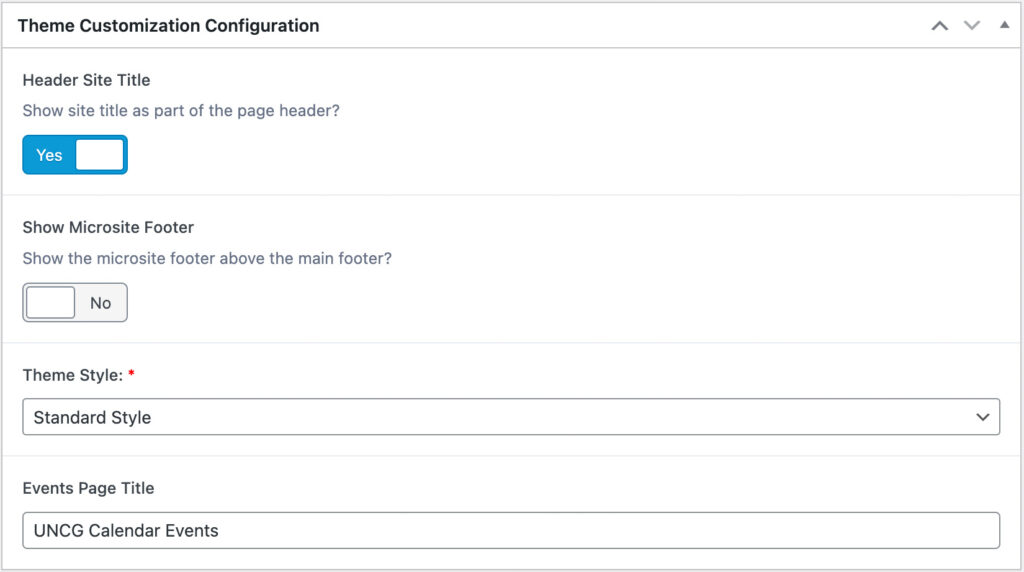
Header Site Title
Turning this on will display your school or department name in the Utility Menu section of the Header. This information is found in Settings > General, and is labeled as Site Title.
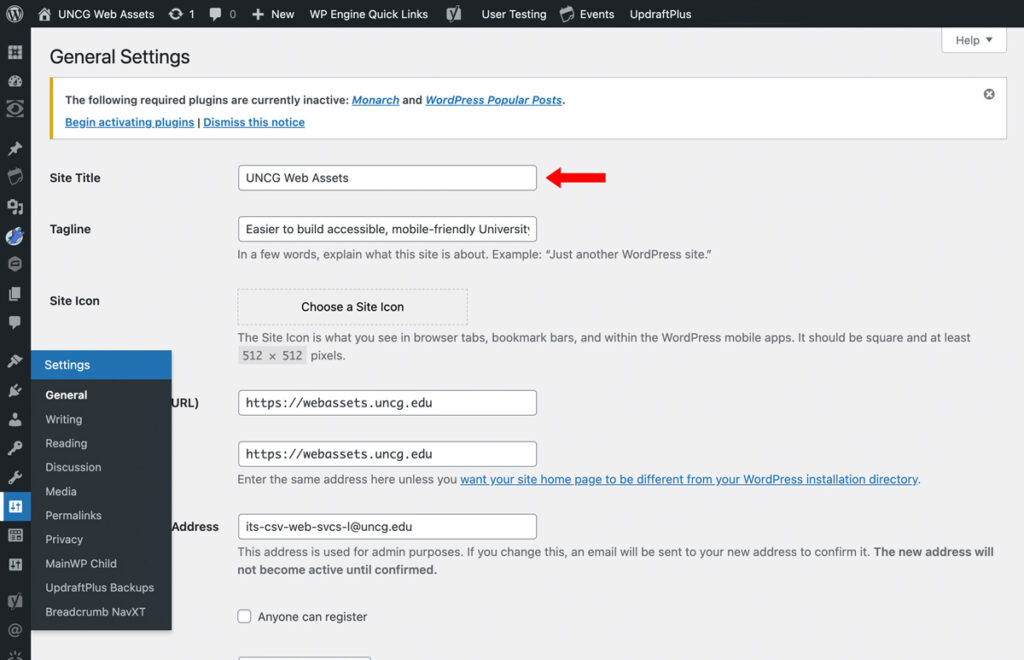
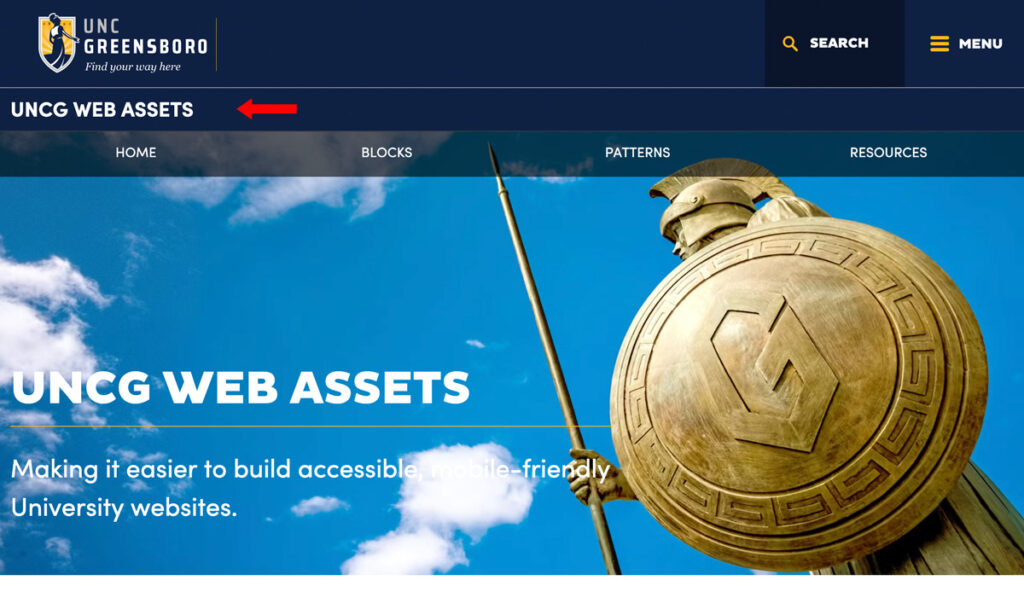
Click for larger image.
Show Microsite Footer
This option turns on the Microsite Footer which allows you to add your department’s Accreditation, unique phone numbers, mailing address, and email. Along with your school or departments own social media account plus more! For more information visit the Microsite Settings page.
Theme Style
Along with UNCG’s Navy and Gold, you have the option to include a unique accent color to certain elements through out your site. Changing your Theme Style will maintain the UNCG theme but add in the corresponding accent color to elements such as buttons and card styles.
Standard
Visual
General
Stats
Events Page Title
Your site will come with a page titled Events, and can always be found at yoursite.uncg.edu/events. This page is auto-populated by any events you have added to your site. This option allows you to change the default header from UNCG Calendar of Events to something more specific to your school or department.